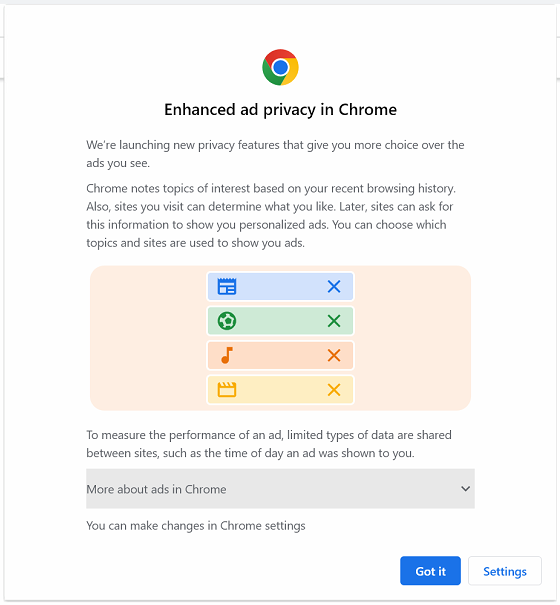
Google Chrome has started prompting for Ad Privacy settings. Instead of just clicking ‘Got It’, we recommend clicking ‘Settings’ so you can opt out.

There are a lot of great, free software programs out there. This section of our blog covers our favorites!
Google Chrome has started prompting for Ad Privacy settings. Instead of just clicking ‘Got It’, we recommend clicking ‘Settings’ so you can opt out.

Much like my post about connecting Shopify and Instagram, WooCommerce is the online shopping cart for stores that have WordPress websites. So if you already have a WordPress website, you’re more than halfway there @ getting your online shopping cart up and running.

The new Firefox Quantum update is here! I’m writing this post mainly with consignment and resale storeowners in mind.
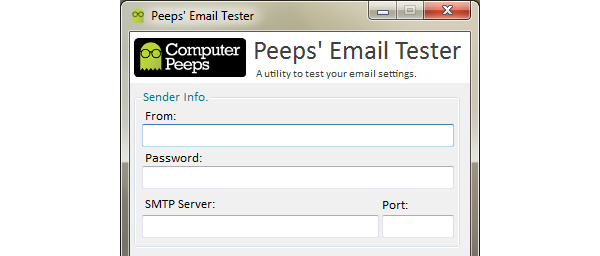
This is a utility that lets you easily test and verify if your email settings are working properly.
AOL is reporting a massive data breach which affects a “significant amount of users”. AOL is recommending users change their passwords immediately.
According to AOL’s Security Team:
This information included AOL users’ email addresses, postal addresses, address book contact information, encrypted passwords and encrypted answers to security questions that we ask when a user resets his or her password, as well as certain employee information. We believe that spammers have used this contact information to send spoofed emails that appeared to come from roughly 2% of our email accounts.
If you utilize AOL for your consignment software’s email functionality, or for your personal email, please be sure to change your password right away.
LogMeIn develops remote access software. They have traditionally provided a free version of their product — LogMeIn Free. As of January 21, 2014 though, LogMeIn Free is no longer available.